Built with Claude AI
Website templates
Complete websites for ASP.NET Core on .NET 10, each built end to end by AI on the SkyNet framework. Open a live demo, then clone the source and build your own site on top of it. Free under the MIT license.
- .NET 10ASP.NET Core, one NuGet package
- MITUse, change and sell what you build
- No front-end buildPlain HTML, CSS and JavaScript, no npm or bundler
Showing 27 templates
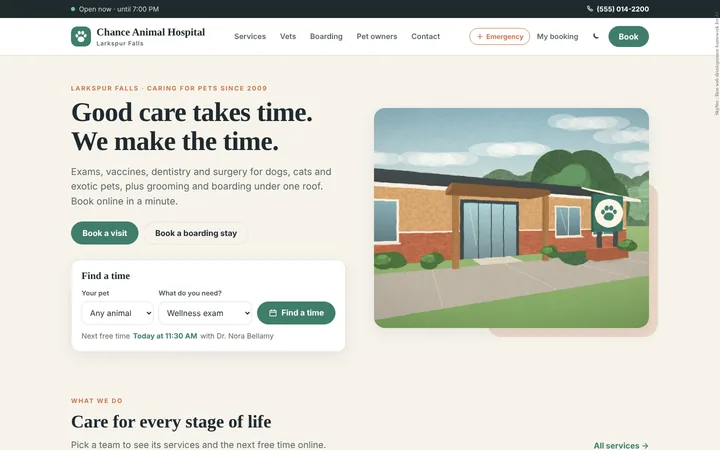
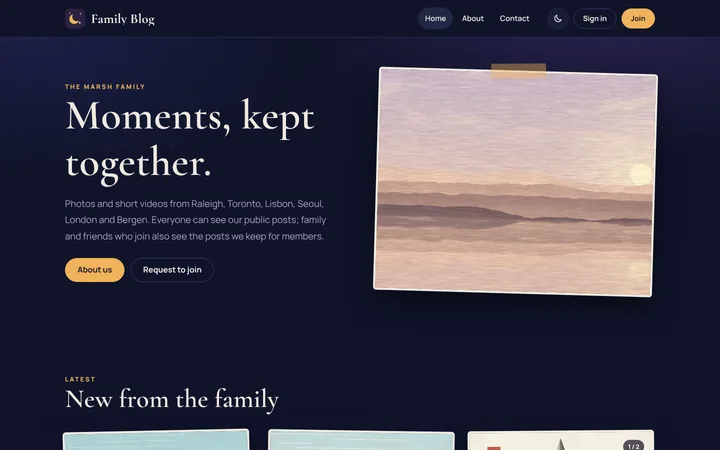
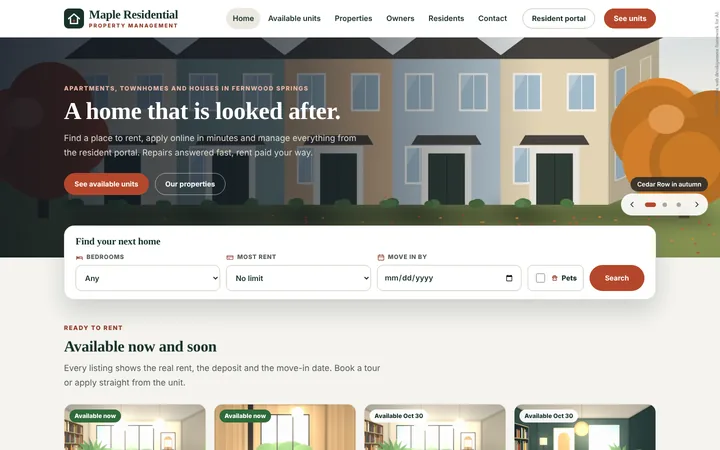


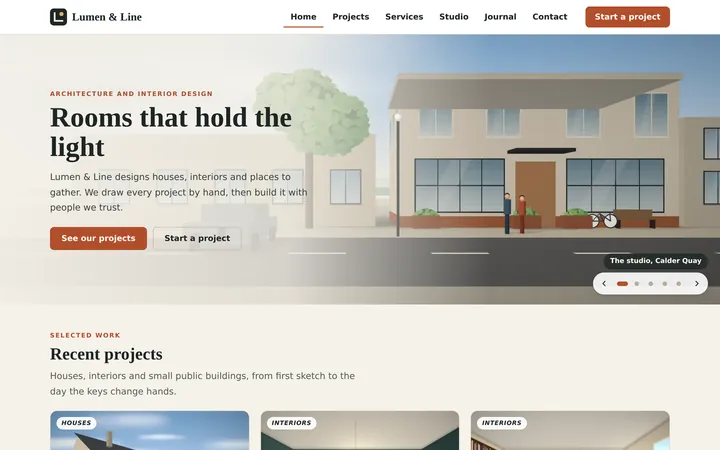

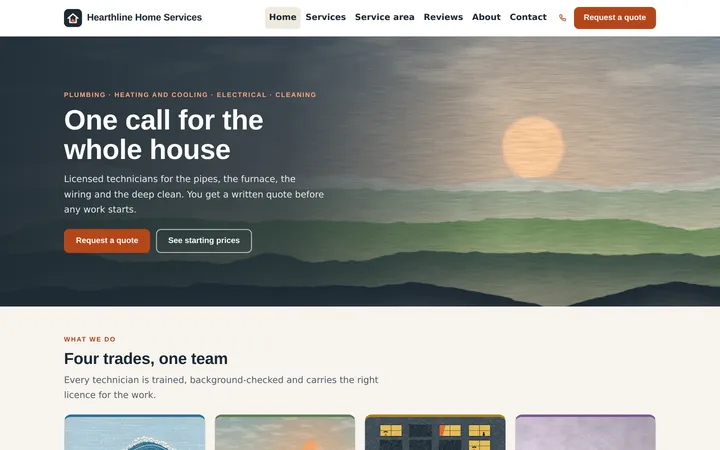
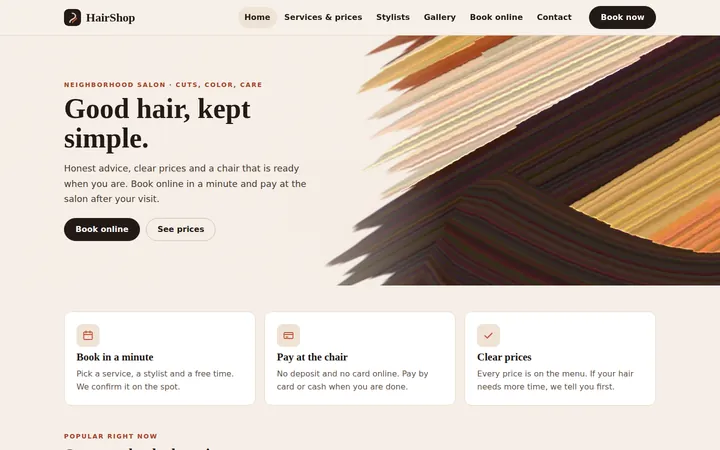
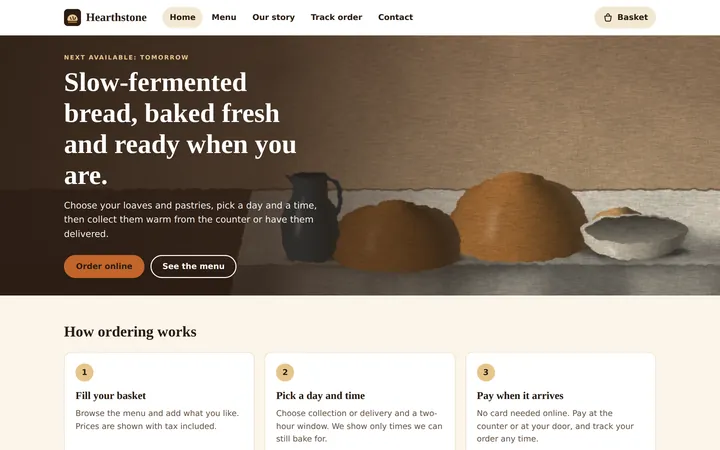
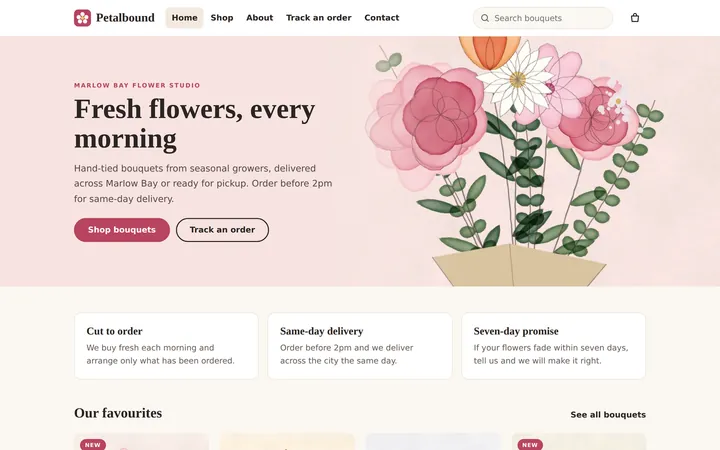
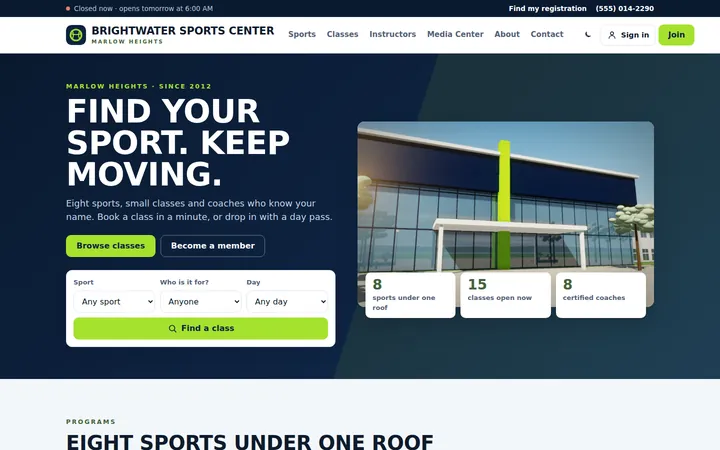
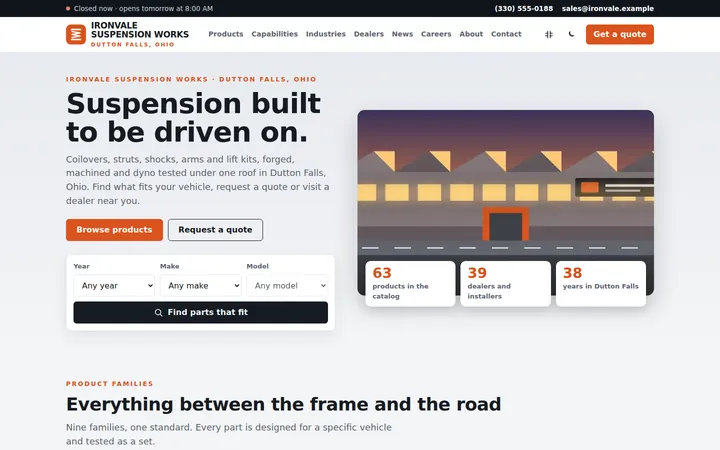
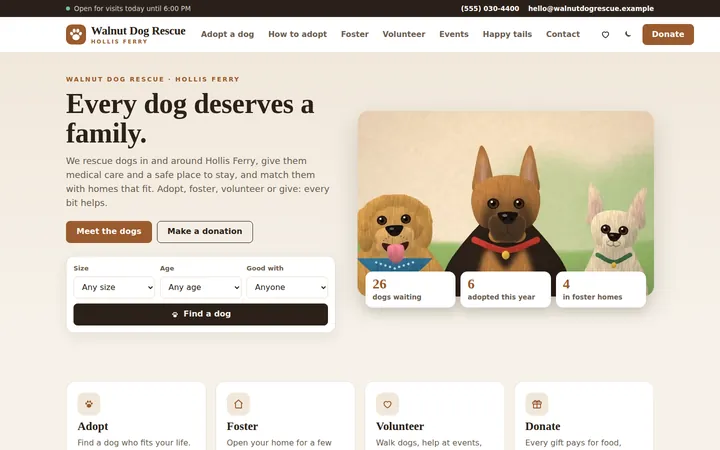
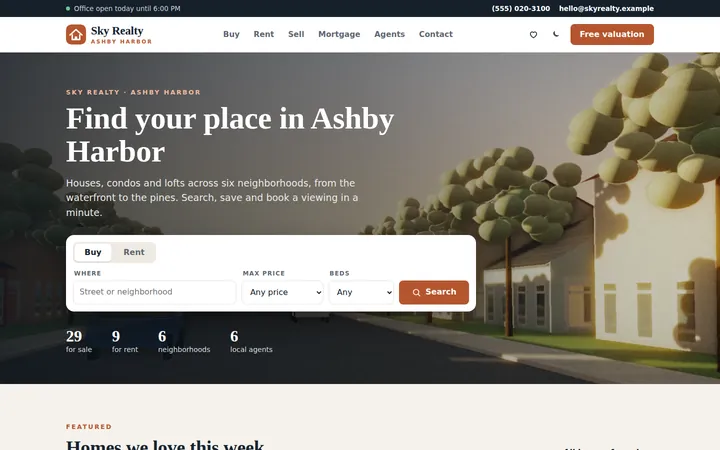
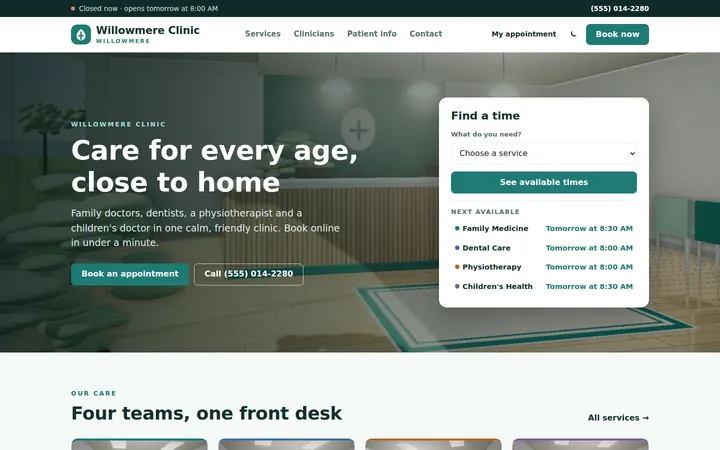
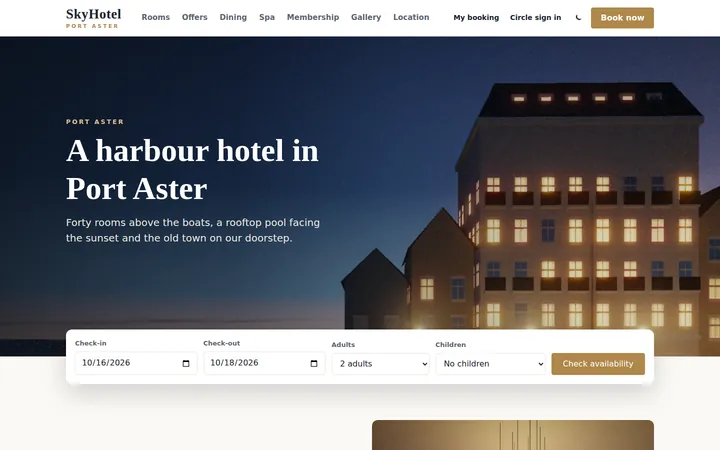
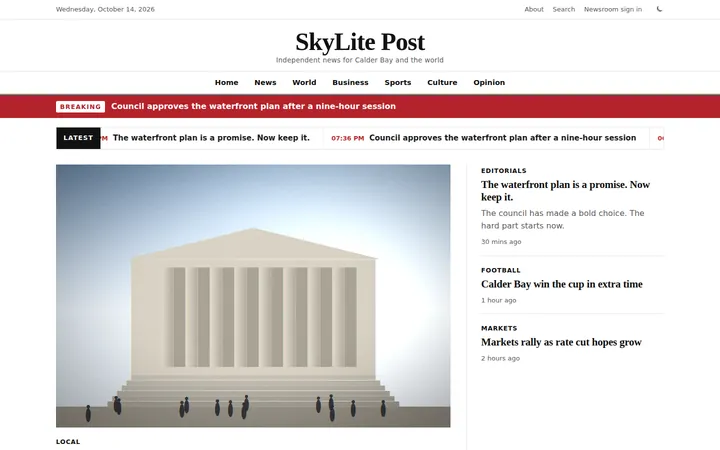
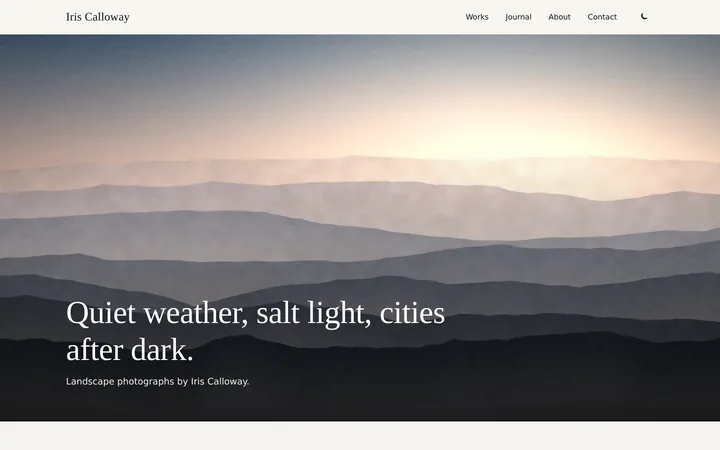
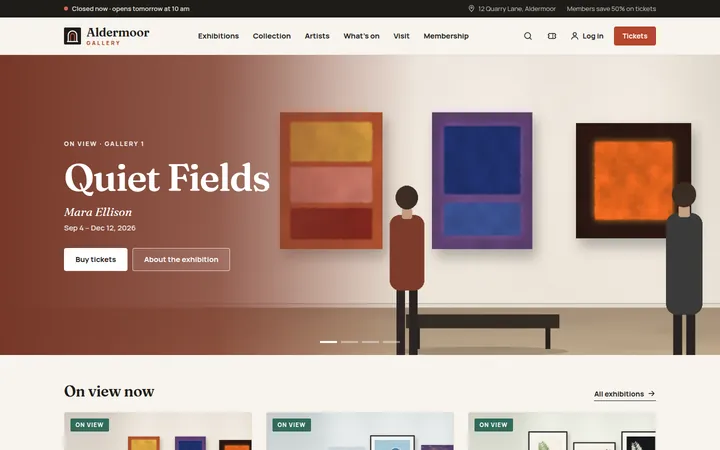
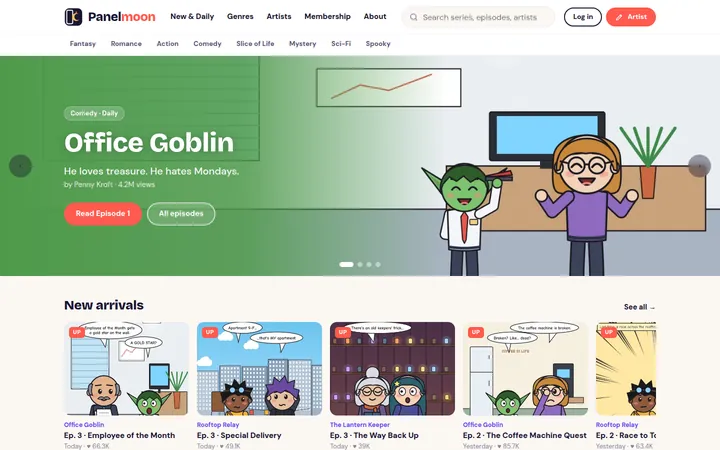
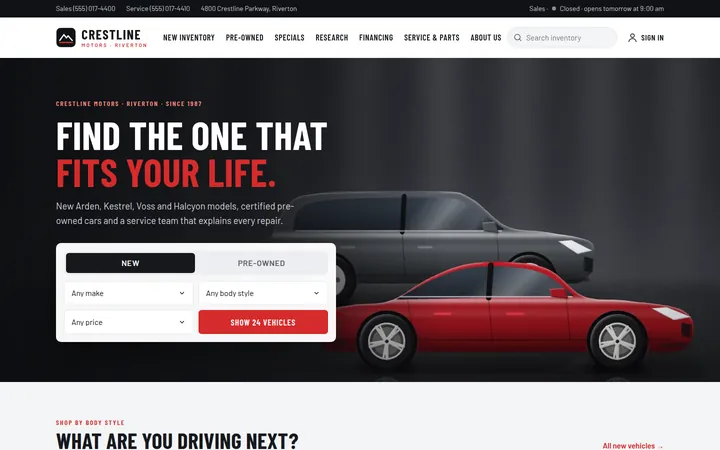
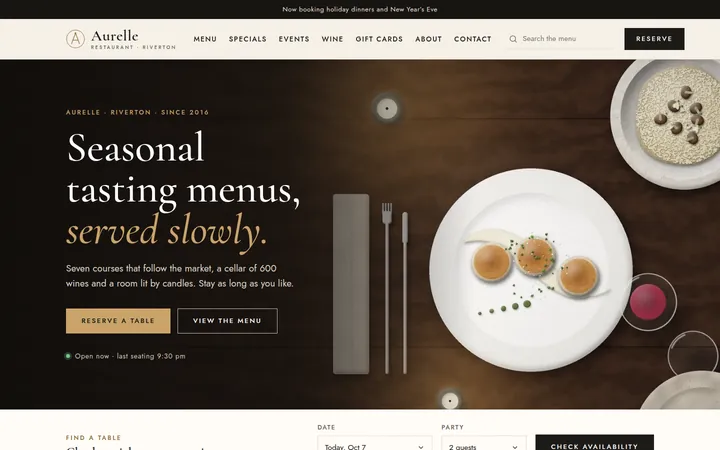

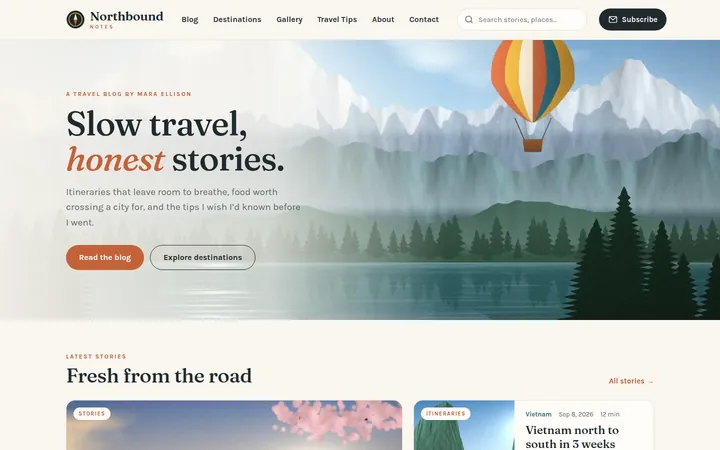
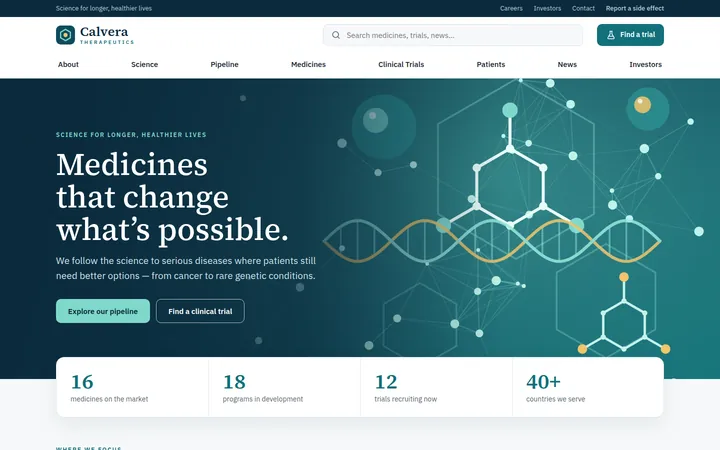
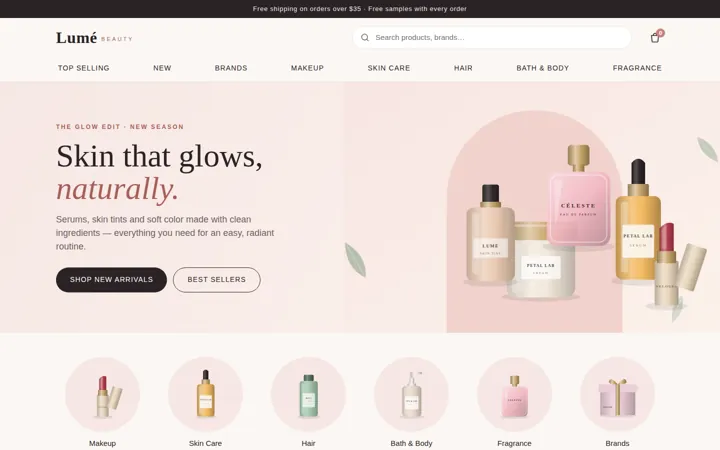
No template matches your search.
Read this first
They are starting points
Each template is a complete, working website: design, markup, server code and artwork. It is built to be developed further, not deployed as it is. The live demos run in demo mode, so nothing is charged and no real order is placed.
No database is needed to run them
Content and records live in JSON files in data/. When you are ready, replace that layer with SQL Server tables of your own. Every page already reads its content through server-side methods, so the front end does not change.
The artwork is yours to replace
Every illustration is an SVG or WebP file in images/, painted in code. Swap in your own photos, or describe what you want and let your AI assistant redraw it in the same style.
You do not do it alone
The SkyNet Agent automates the build. Open a template, or an empty folder, in Claude Code and describe what you want in plain words: your tables, pages and branding. It plans the work, writes every page and tests it on phone, tablet and desktop.
Using a template
You need the .NET 10 SDK and Visual Studio, or any editor with the dotnet CLI. Nothing else: no npm, no bundler.
-
Clone it and run it
Every template page has its own clone command. The project already references
TheSkyLite.SkyNet, so the first build restores it from NuGet.git clone https://github.com/hkim6000/<repository>.git cd <repository> dotnet run
-
Make the content yours
Names, prices, articles, menu items and locations live in the JSON files in
data/, not in the markup. Templates with an admin let you change most of it from the staff area. -
Design your database
The JSON files stand in for a database so the template runs with no setup. Design your SQL Server schema and put it behind the same server-side methods the pages already call.
-
Let the SkyNet Agent take it from there
Add the SkyNet Agent to Claude Code, then describe what you want added, such as a login, an admin page, your own tables or your branding. It shows you the plan first, builds after you say go, and checks the result before handing it back.
claude plugin marketplace add hkim6000/SkyNet-Agent
License
The templates
MIT, © HC Kim. Every source file, illustration and data file in the repositories is free to use, change and redistribute, including commercially.
The SkyNet framework
The TheSkyLite.SkyNet package is proprietary and free to use for eligible individuals and organizations, including commercially. Others may evaluate it for 90 days, then need a commercial license. It may not be modified, decompiled or resold. Read the license
More are coming
New templates are added as they are built. If your kind of business is not here yet, send an email.